
























Sight words are among the most difficult hurdles for children and even those people who are just beginning to learn the art of reading.
And as a parent, you know, you have to spend a lot of time (even more than your money) to help your child grow as a better and more responsible person. And thanks to the ever-advancing technology, things have become a lot easier than they were in the past.
Your 6-inch smartphone can be proved very handy to teach your kids the lessons important for their growth. And if you are trying to help your kiddo learn the basic foundations of English or any other language for that matter, you have to focus a lot on sight words.
The common words you get to see in daily life are known ad the “sight words”. Here I’m listing the best sight words apps available for both Android and iOS. Download and check them out, and give your kid some amazing ways of learning words!
Best Sight Words Apps – Our Top Pick👌👌
1. Sight Words: Best sight words apps for android
If your child has just started to go to kindergarten, you should definitely try this app out – at least once! In my opinion, Sight Words: Reading Games is the best app out there for kids who are struggling to recognize the alphabet and words.
The app is more than just perfect for preschool, kindergarten, and even the students of up to third grade!
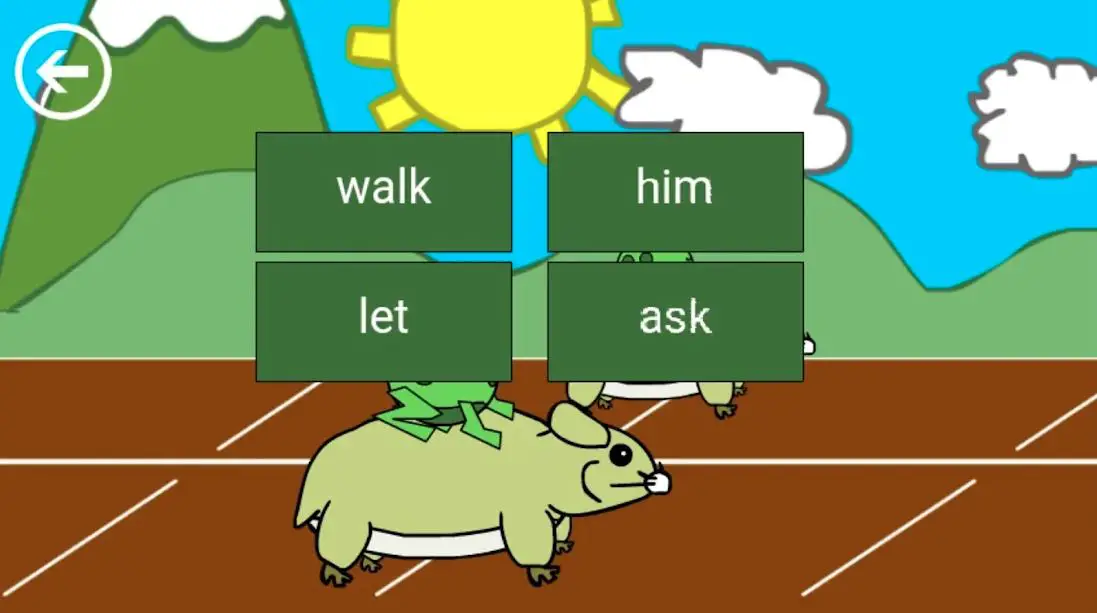
The app aids young kids to learn the words in a completely different and engaging way with Sight Words. There are multiple games in the app designed to help students get familiar with the sight words right from the preschool level.
How does it work? The app consists of very common but meaningful words that are not designed to follow the basic phonics you usually see. The app helps kids improve their word-learning skills and vocabulary with constant spelling practice.
The free version offers 2 games, and there are 6 amazing words-learning games in the premium version of the app.
Features of Sight Words – Reading Games:-
- Very simple words for an early stage of learning
- Words are beautifully illustrated with familiar objects
- More than suitable for kids of up to 3rd grade
- Completely safe for kids of all ages
- Assisted audio for reinforcing the learning process
Ratings on Google Play Store – 4.8 / 5 | Ratings on Apple Store – 4.4 / 5
Download the App on Google Play Store
Download the App on Apple App Store
2. Teach Your Monster to Read
One of the most downloaded educational games, Teach Your Monster to Read is simply a great example of dedication and innovation. The app is already downloaded by more than 30 million parents all around the world!
With the app, you can easily teach your kid the right and practical way of learning common words. You will notice a massive improvement in the overall literacy of your children within a week of using this app!
Teachers from different corners of the world have claimed that Teach Your Monster to Read is one of the most captivating and wonderful sight words apps even for the classrooms!
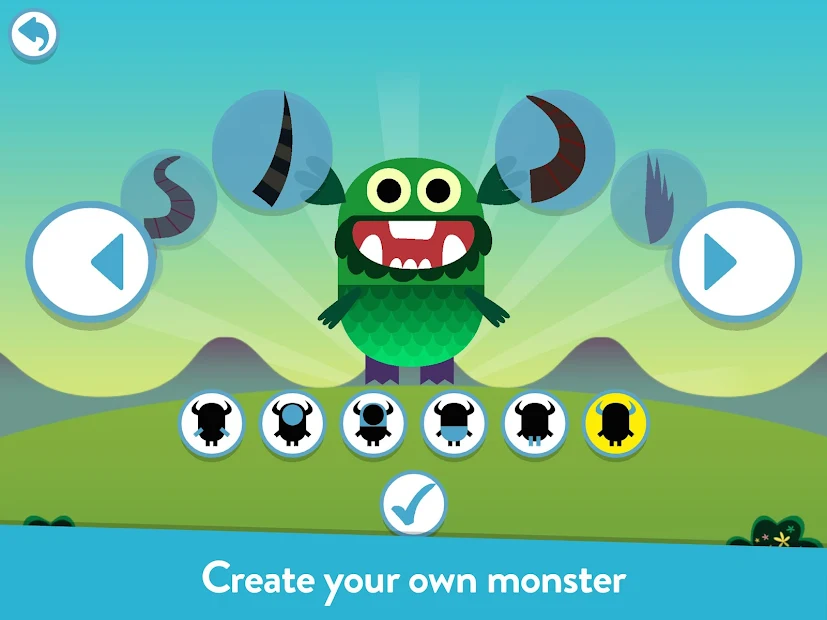
The game asks kids to make different monsters and teach them how to read! In the process, the kids end up learning new words every day, and that too, without any boredom – thanks to the extraordinary concept of the app!
There are three amazing levels in the game. In the first level, your child will have to create a monster. In the second, there is a magical journey to explore, and at last, your kid needs to teach the monster a few important words!
You will surely notice the difference in the progress in the game – you can take my words for that!
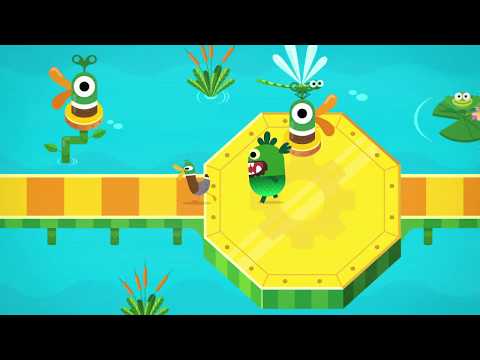
Features of Teach Your Monster to Read:-
- Perfectly covers the first couple of years of learning
- Designed beautifully in collaboration with leading game designers and leading academics
- Suitable for both home and school use
- Absolutely free, no in-app purchases, no hidden costs
- Complements the synthetic phonics programs across the world
Ratings on Apple Store – 4.7 / 5 | Ratings on Google Play Store – 4.5 / 5
Download the App on Google Play Store
Download the App on Apple App Store
3. Sight Words – Sight word apps you can customize
One of the most reliable sight words apps for kindergarten to 3rd-grade students. With the app, you can train your kids to learn common words and start reading the right way with clearly visible words in different types of word games.
There are engaging games like flashcards, Dolch list puzzles, and multiple other games in one of the most useful, free educational apps.
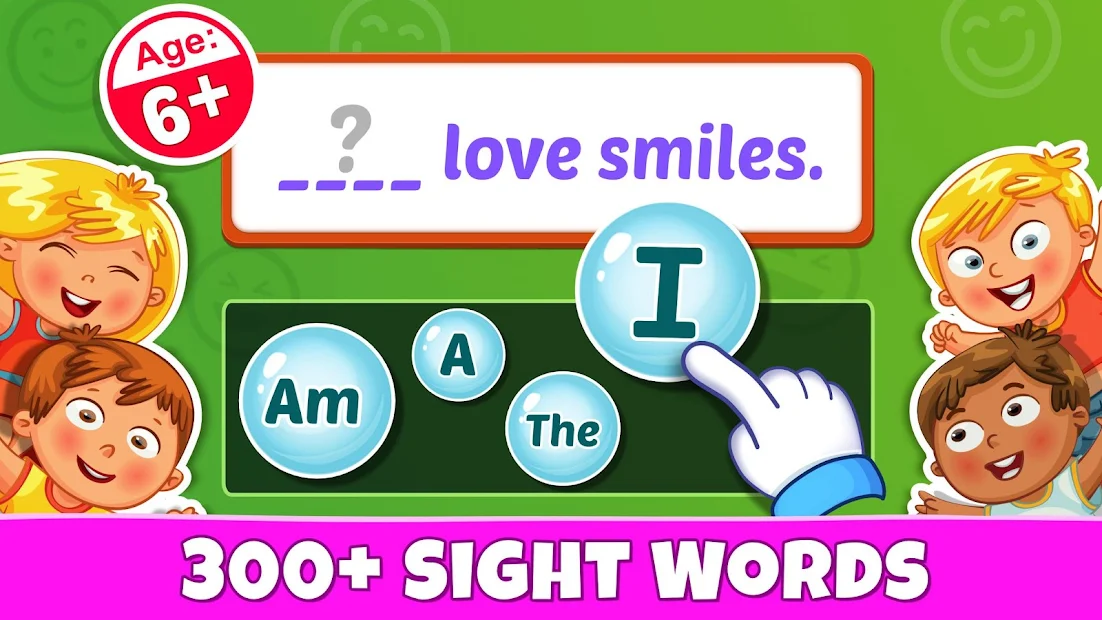
The Sight Words learning app can be more than handy for you to teach your children’s reading skills, and phonics, and improve vocabulary in a completely different and modern way.
The app is loaded with a massive selection of mini-games designed with a powerful concept of word games and Dolch lists.
The app encourages a very healthy, fun, and effective way of learning common words. You will finally start teaching your kid the fundamental building blocks of the English language – from reading to speaking and writing, the app helps you to hone all the important skills of your kiddo.
So, try out the Sight Words app, and explore multiple fun ways of teaching English at the very beginning level!

Features of Sight Words – Pre-k to 3rd:-
- 300+ sight words to explore, learn, and master
- Dozens of easy and fun ways of learning new words
- Sentence mode for practicing sentence formation
- Amazing collectibles after each level
- Fill in the blank with a memory card to enhance learning skills
Ratings on Apple Store – 4.8 / 5 | Ratings on Google Play Store – 4.2 / 5
Download App on Google Play Store
Download App on Apple App Store
4. Sight Words – Best sight word apps
Are you looking for some useful sight words apps for custom sight words? No worries! Because “Sight Words: Dolch Coach” will surely meet all your expectations!
The app doesn’t only allow you to train your child with new words, but it also enables you to add your own words and improve their vocabulary. The automatic recognition of the Sight Words has been proved handy for functional literacy, and that’s what this app is all about!
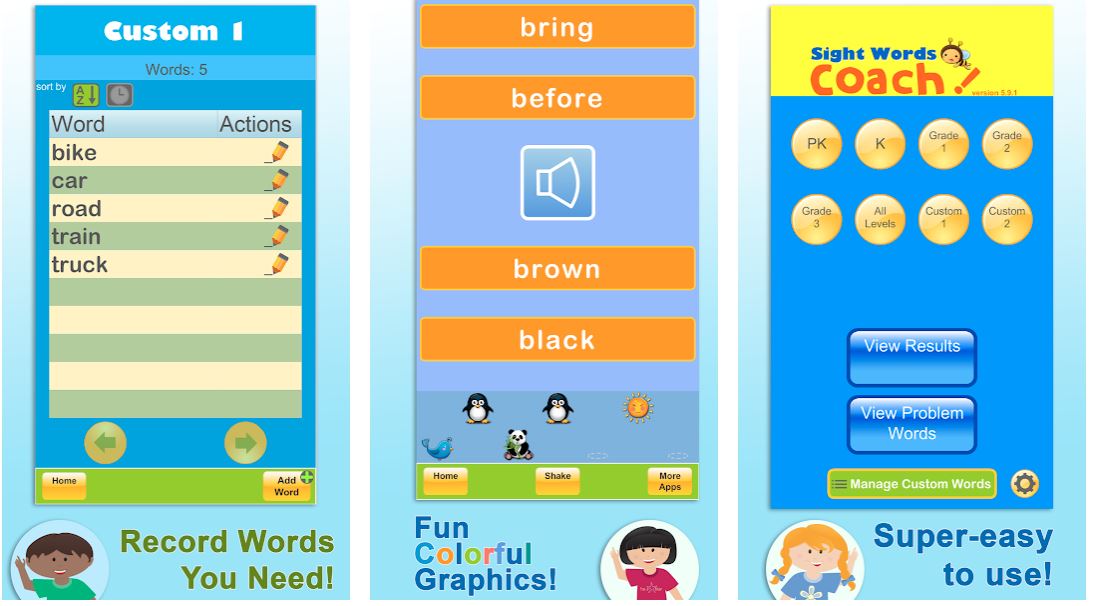
The fun game is featured with all five levels of the popular Dolch Sight Words. It ensures your kid can get the best of the learning time while using the app.
How? Thanks to the AI, the app progressively learns the most challenging words for your kid and challenges them more often than other relatively easier words.
And your kid doesn’t even have to devote a lot of time to the app! Playing only five minutes a day can make a lot of difference, especially if you are trying your best to build your toddler’s future.
Yes, one can argue that there are only about 200 Sight Words in the English language, but they cover almost 50 to 70 percent of any general text! And this app serves that purpose quite effectively.

Features of Sight Words: Dolch Coach:-
- Super-easy and attractive interface
- Fun, simple, and colorful graphics
- Enables you to keep track of your kid’s support
- Allows you to customize the words and challenges
- Fun sounds to keep your kiddo engaged
Ratings on Apple Store – 4.6 / 5 | Ratings on Google Play Store – 4.3 / 5
Download App on Google Play Store
Download the App on Apple App Store
5. Sight Words Sentence Builder
Here is another decent app that enables you to teach your kid Sight Words with a very powerful context of sentence building.
With a tested and proven way of learning words, you have an excellent way of helping your kid learn up to 220 Dolch Sight Words and more. Recognizing Sight Words is not only an art but a very important part, especially of that initial learning period.
And the kid-friendly app trains young minds to recognize all the Dolch Sight words rather quickly and enhances their learning and comprehensive skills.
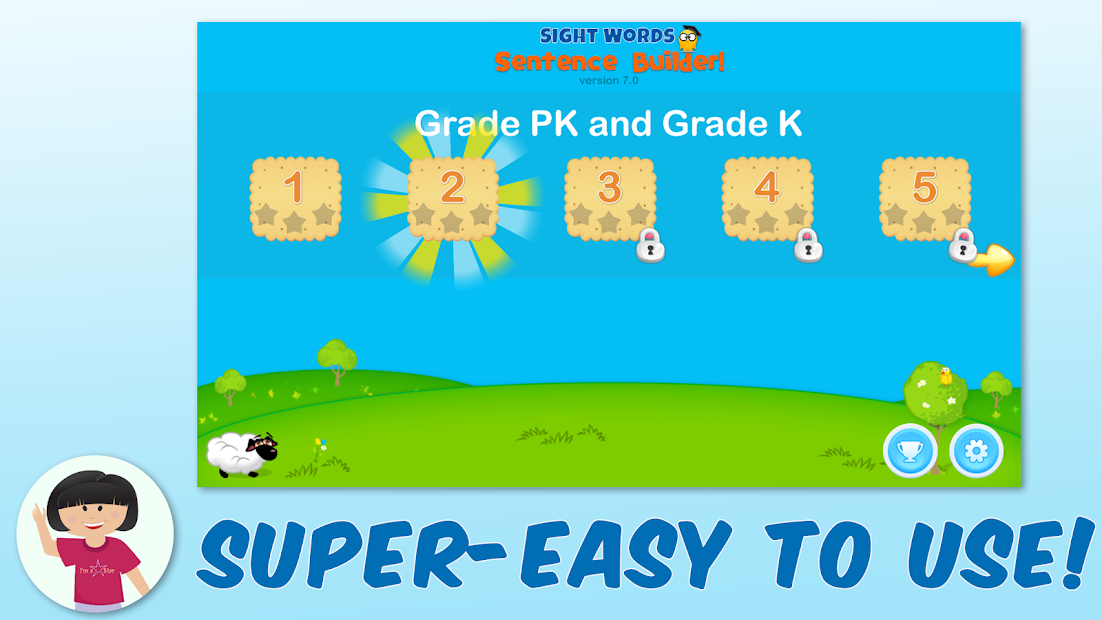
You will start noticing the difference between teaching your kid in that old, traditional method and teaching smartly with the Sight Words technique.
The “Sight Words Sentence Builder” is not like a running train and doesn’t fox your kid with advanced words all of a sudden.
The words in the app are divided beautifully across all the lessons and take your kid through systemically and effectively. And of course, you can only experience more about the app once you download it!

Features of Sight Words Sentence Builder:-
- A very simple, kid-friendly, and effective method
- Three exciting themes to keep your kids interested
- One of the greatest sight words apps for new parents
- Rewards for keeping your kids motivated
- Check your kid’s progress with the report card
Ratings on Apple Store – 4.4 / 5 | Ratings on Google Play Store – 4.4 / 5
Download the App on Google Play Store
Download the App on Apple App Store
6. Sight Words & Phonics Reading – Best free sight word apps for kindergarten
A beautifully comprehensive reading and learning app for beginning readers, especially the kids of up to 8 years!
There are as many as 40,000,000+ kids who are having a wonderful learning experience with the app, and it’s time for you to give your kid something more than just special!
Sight Words & Phonics Reading is “THE” app for toddlers who are trying their best to learn new words every day!
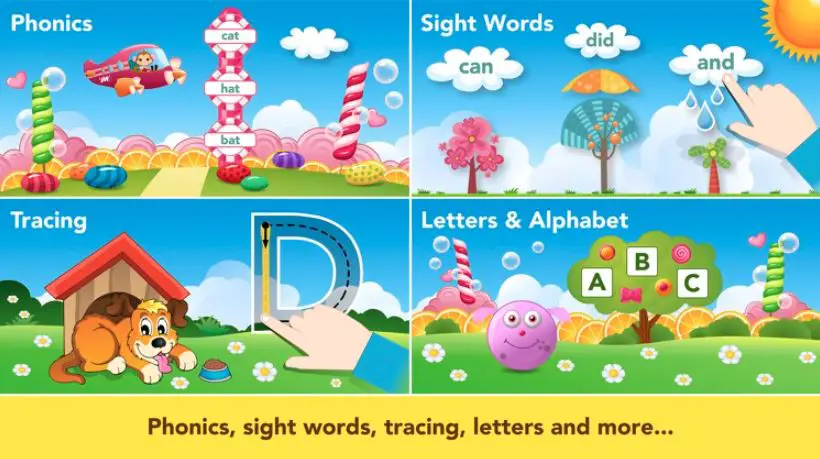
Whether your kid has started preschool or is in kindergarten, or even in the first grade, this app is going to be more than effective for you! There is a very interesting character known as “Monkey Abby” in the app. Abby is going through a reading adventure, and that’s what your kid needs to do.
There are hundreds of different activities across six beautifully-staged missions with very effective, step-by-step learning paths.
And you regularly get new and more exciting features with regular updates from the developers! Discover the app and find out how your kid can be transformed into a food reader from a non-reader!
Features of Sight Words & Phonics Reading:-
- Hundreds of fun reading and educational activities approved by experts
- 6 interesting missions for easy and effective learning
- High-quality animations, sound effects, and voice-overs
- Allows you to download and play games offline
- No bugs, annoying ads, or links to social media
Ratings on Apple Store – 4.6 / 5
Download the App on Apple App Store
7. Kindergarten Sight Words Free
Help your child read and learn interesting spellings with the help of kindergarten high-frequency, commonly-used sight words.
The app features a wide range of interactive, kid-friendly activities to introduce the kids to high-frequency words critical for honing their reading and learning skills. The app teaches the kids the 100 words very frequently used in day-to-day reading materials.
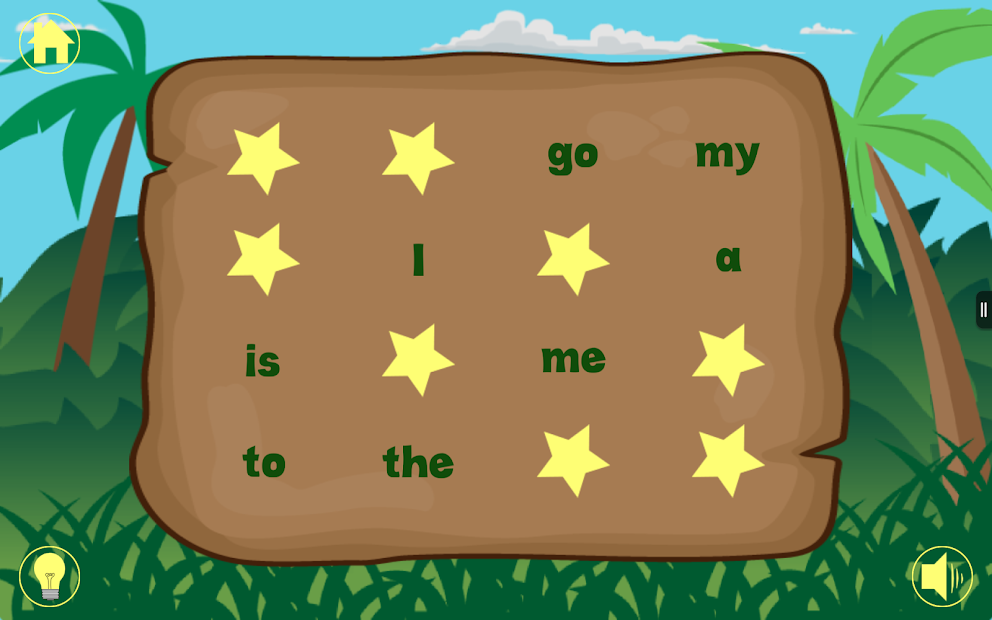 The whole concept of learning is masterly designed across different intriguing levels. Levels 1 and 2 of the game feature only 8 high-frequency words to get the kids going and getting familiar with the concept.
There are five very interesting activities to simply introduce English words with spelling. Levels 3 to 15 are packed with all the words from the previous level for revision with up to 7 new words in the new level.
The app helps the kids to learn to pronounce the words correctly with the help of a native English speaker. Jumbled letters are there in the app, and your kid needs to arrange them in meaningful words.
Other mini-games like Jungle Bingo, Memory Menagerie, Oceans of Wordsearch, etc. are there to learn and practice the words in a very engaging way. The context-sensitive design of the app makes words-learning so easy and full of fun.
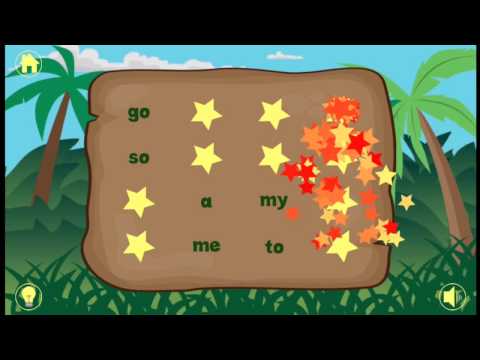
Features of Kindergarten Sight Words Free:-
- 100 very common and frequently-used sight words
- All the words are expanded beautifully across various levels
- A virtual native English speaker for learning pronunciations
- Different interesting learning activities to keep your kid interested
- Animated text with context-sensitive design
Ratings on Google Play Store – 4.5 / 5 | 1,00,000+ Downloads
Download the App on Google Play Store
8. Sight Words Flash Card
The Sight Words Flash Card is another engaging and at the same time, very effective app educational app especially curated for kindergarten and first-grade children to learn, comprehend, and practice the commonly-used sight words.
The app is known for its unique concept of “flashcards” and makes learning very simple and engaging. It has been proved one of the most effective tools for learning and teaching sight words not only for kids but for parents and teachers too.
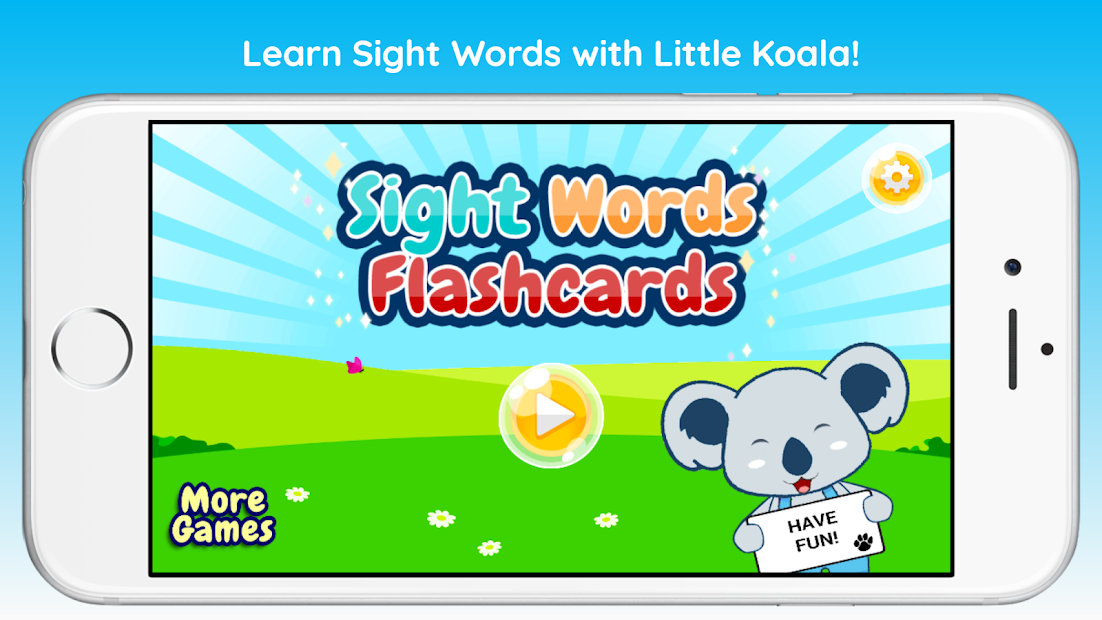
With the new update, the developers have appreciably added some more new cards as well as a very exciting, brand-new “Favourite Deck” feature.
With this handy feature, you can easily mark the sight words your kid is more challenged with. Access those words whenever you want and encourage your kid to practice them more!
There are more than 100 sight words in the app that are broken innovatively into individual decks and enable your child to slowly but steadily learn new words from different categories.
And there are dozens of words included from the popular Dolch words series too! All in all, a very handy words-learning app with a very unique “flashcard” concept.
Features of Sight Words Flash Card:-
- Customize the learning experience based on your child’s progress
- Features more than 100 sight words across different categories
- Multiple decks to select from
- Clean and simple interface for maximum focus
- Favorite deck to access marked words and practice later
Ratings on Apple Store – 4.4 / 5 | 10,000+ Downloads on Google Play Store
Download App on Google Play Store
Download the App on Apple App Store
9. Sight Words by Photo Touch
Sight Words by Photo Touch is among the most effective sight words apps based on a very fun, addictive, and engaging way of learning words by touch, sound, and sight!
We all know that audio-visual learning has been one of the most powerful ways of teaching kids because they feel what they learn, and it becomes super easy for them to comprehend what they feel!
The app is based on that very concept and adds another important aspect – touch. It helps your child quickly learn to understand and recognize the words with a powerful combination of sound, touch, and sight!
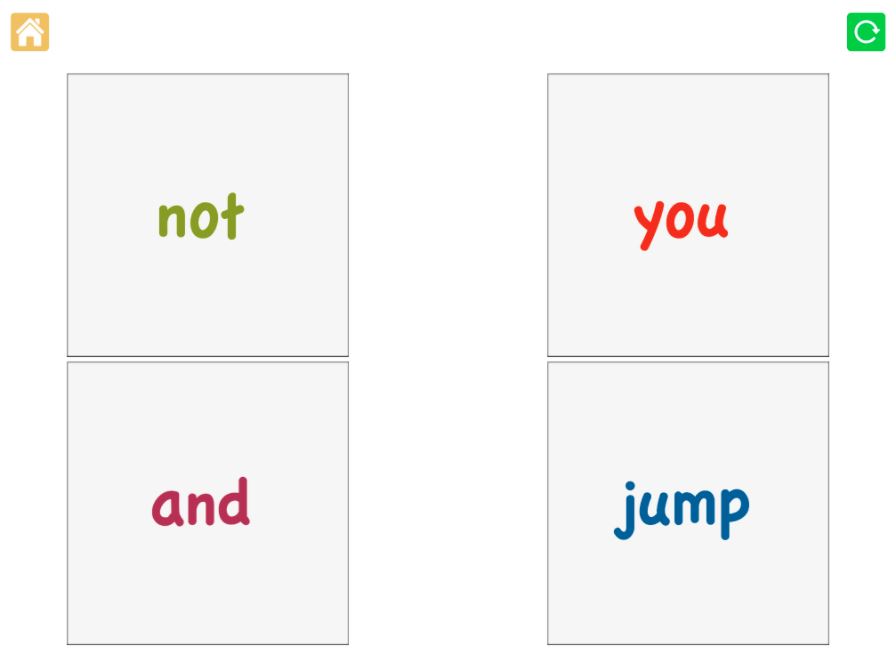
Thanks to a very easy and engaging interface, your kid will find word-learning a very simple and less-laborious task with the app.
And if you want to make things more interesting, how about teaching your toddler in your own voice? Yes, the app allows you to record your own voice and give your kid a sense of love and togetherness even while he’s learning and comprehending.
You can even capture the favorite items of your child and ask their names – isn’t that a bit more special? There is so much to explore in the game! Download and try to experience yourself and immerse your kiddo too!
Features of Sight Words by Photo Touch:-
- A very unique way of learning words by touching and recognizing different photos
- Encourages to learn by touching, listening, and watching
- Allows you to record the words in your own words to give a personal touch
- Add the items of your choice and help your baby learn the way you want
- Cristal-clear, child-friendly fonts for an easy and quick learning
Ratings on Apple Store – 4.4 / 5
Download the App on Apple App Store
10. Endless Reader – sight word apps for android
Your kids are going to have a blast while learning and commanding the sight words with cute, adorable, and unlimited monsters!
Endless Reader beautifully introduces the “sight words” to early learners who are trying their best to grasp everything they see! The app beautifully brings together all the words used in school, the library, and even in the most popular children’s books!
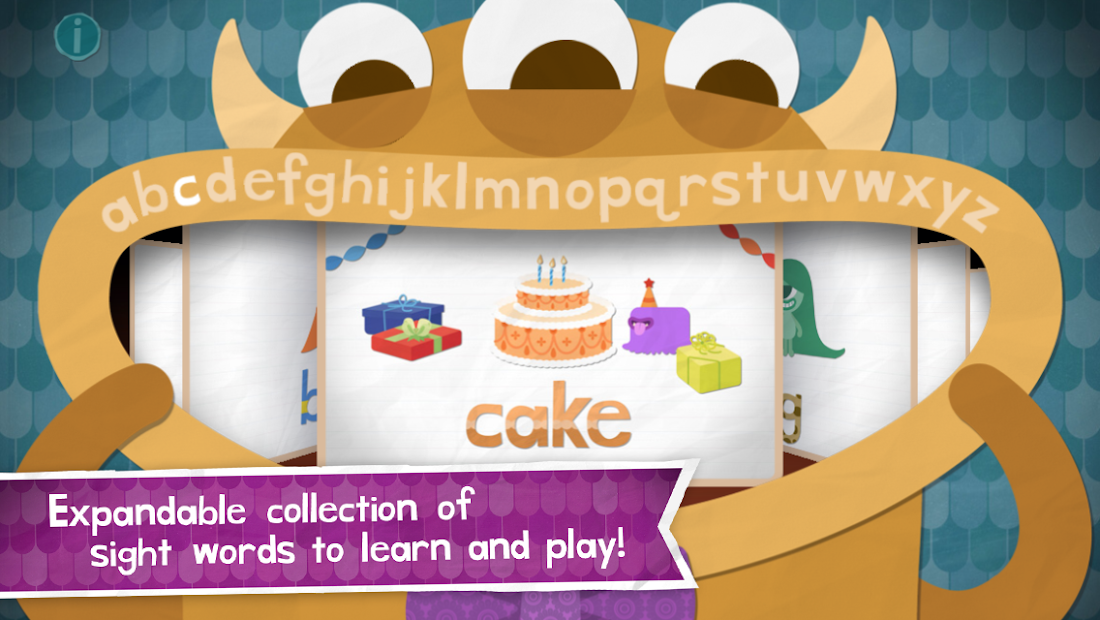
It challenges your kids to recognize the words by sight and slowly but steadily improves the overall reading fluency. The habit and practice of recognizing sight words are one of the most effective ways of learning especially for kids.
And the Endless Reader app is designed especially for those kids who are finding it difficult to comprehend even the easiest of words.
Each word is beautifully featured with a unique word puzzle combined with letters that come alive. There is also a sentence puzzle with words that automatically convert into what your kid enters.
The app also teaches the difference between upper-case letters and lower-case letters with surprising perfection!

Features of Endless Reader:-
- Plenty of different types of words to form and learn
- An interactive app with delightful animations friendly for eye-sight
- Word puzzles for mastering the spellings with lower case and upper-case letters
- Sentence puzzles for improving word recognition
- Unlimited friendly monsters pronouncing the word meanings with context
Ratings on Apple Store – 4.4 / 5 | Ratings on Google Play Store – 4.1 / 5
Download the App on Google Play Store
Download the App on Apple App Store
11. ABC Preschool Sight Words
ABC Preschool Sight Words is last, but by no means, the least on my list of the best sight words apps. The app encourages parents as well as teachers to a very friendly teaching approach while teaching the toddlers to command sight words.
The app features more than a hundred easy-reading words with multiple English phonetic alphabets. It’s designed to help toddlers and preschool children to master the English alphabet with easy words in a very fun and interactive way.
Kids won’t only learn the name of each letter, but will also grasp the pronunciations thanks to the powerful phonetic sounds. Your kid will surely love playing interactively with objects and the relatable words on the screen.
And you get some bonuses as well with the app! Features like math flashcard games and memory building make it an even more effective app for both learners and teachers.
Each word in the app is innovatively presented as a cartoon-style picture and the app asks your kid to place the words in the matching-shaped holes on the board to reveal distinctive sounds!
The app doesn’t only helps your kid master the art of comprehension, but also improves hand-eye coordination, puzzle-solving skills, as well as shape recognition in a very friendly and healthy environment.
Features of ABC Preschool Sight Words:-
- Written letters, words, and names with clear pronunciations from a native English speaker
- Simple and intuitive drag and drop interface
- Covers all the alphabet in the English language
- One of the greatest ways of introducing your kiddo to the alphabet
- Original and funny sound effects for an engaging experience
Ratings on Apple Play Store – 3.8 / 5 | 1,00,000+ Downloads
Download the App on Apple App Store
✅FAQ
Is there a sight word app?
Yes, there isn’t one, but many great sight words apps like Sight Words, Teach Your Monster to Read, and Sight Words: Dolch Coach etc.
What is the fastest way to teach sight words?
Early exposure, interactive read-aloud, engagement with the scenes, reading and playing with side words daily according to different categories are some of the best ways to teach sight words faster and effectively.
Does ABCmouse have sight words?
Yes, there are various activities designed to add to your kids’ inventory by offering more opportunities to correctly use and practice sight words. And, ABCmouse definitely can be reliable tool to teach and learn sight words.
How can I practice sight words at home?
There are so many effective ways to practice sight words at home. You can try writing site words with different colors on whiteboard. Otherwise, taping different words on the ceiling or wall, and asking your child to read them with the help of flashlight has also been proved a very effective method.
How parents can help their child learn sight words?
You can try taping index cards with sight words on a wall or ceiling, and shine a light on them. Creating a hopscotch board with sidewalk chalk outdoors or painters’ tape indoors or using a stopwatch or sand timer are also great ways of helping your child learn sight words.
How do you teach sight words to struggling readers?
You can try looking for sight words in children’s books. Hang them around the room, inspire them to use them in different sentences, revisit the words regularly, and you can also try introducing an online typing course.
Why do kids struggle with sight words?
Letter sound patterns are very important to learn sight words. It means proper reference to the sounds that different letters refer to. And, some kids are unable to follow the letter sound patterns properly, and that’s why they struggle with sight words.
How many sight words should a 6-year-old know?
According to various literacy experts, kindergarteners should master approximately 20 sight words by the end of kindergarten. They should learn 40 words at the end of pre-kindergarten, and 100 sight words by the end of the school year.
Do you teach sight words or phonics first?
Learning sight words often starts before the beginning of formal phonics instruction. Children should be aware with about 10 to 15 high frequency sight words before they start learning phonics.
Do sight words really work?
According to a special study by Stanford University on sight words, as long as participants are involved with letter sound patterns, they end up learning and reading words they have never seen before! And, that’s why sight words do work for sure.
The Final Words
Learning letters and words can be very challenging, and at times, painful for early learners. But as a parent or as a teacher, you have plenty of different ways to make things interesting for them!
And this is what these sight words apps are designed for! To make both learning and teaching a thing of fun and entertainment. Hopefully, you have liked my review of some of the best apps out there for mastering sight words!
Do tell me which one is your favorite in the comment box, even if that’s not listed here in this review! Yes, I am not a toddler, but I don’t shy away from learning something new! I’ll love to learn about that app you have loved!


